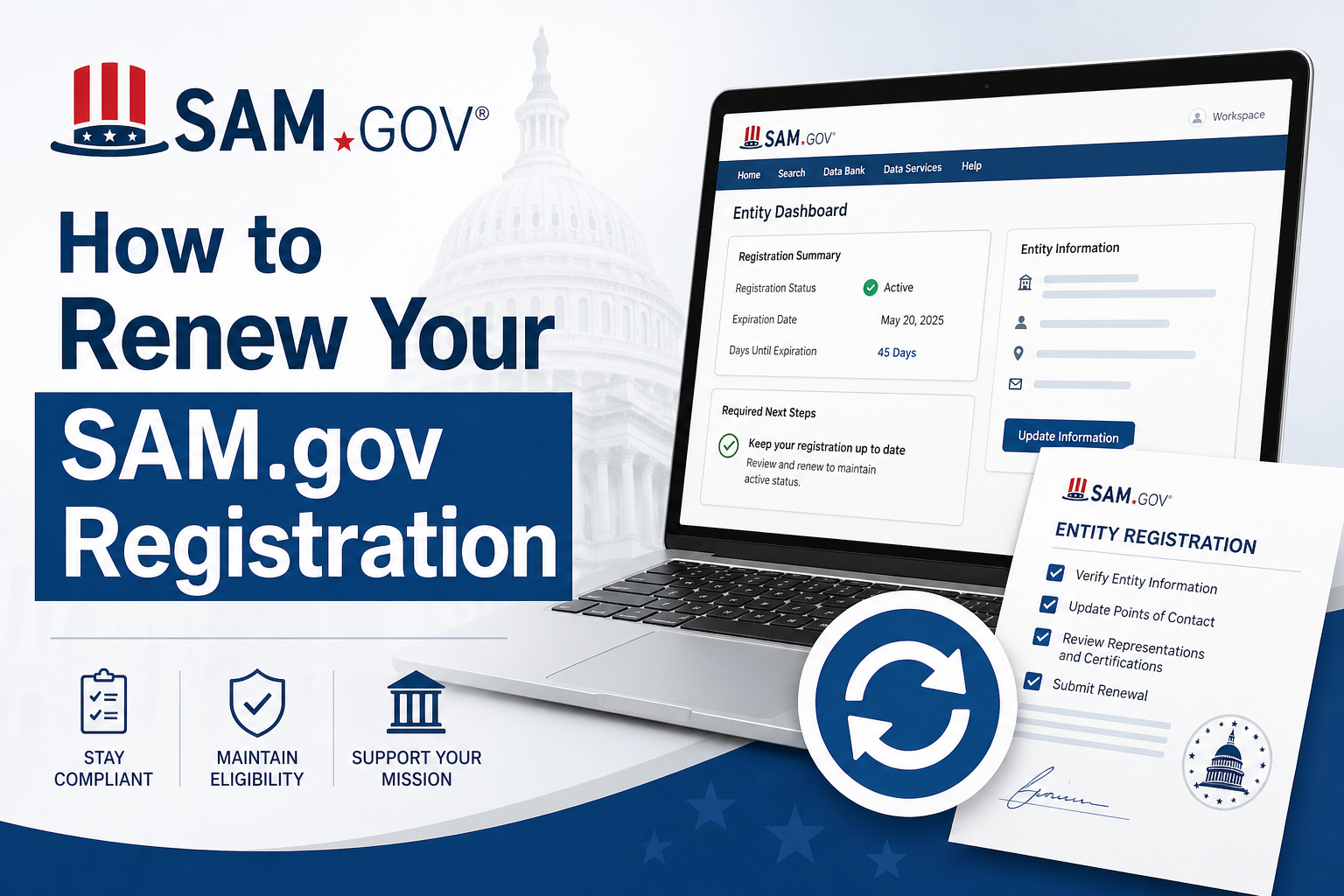
Your SAM.gov registration expires every 12 months. When it expires, you cannot bid on federal contracts, your government payments stop, and your grant eligibility freezes.
SAM Account renewal is completely free, takes about 20 to 30 minutes, and must be done directly at SAM.gov. No third-party service is needed or recommended.
When to Start Your Renewal
SAM.gov sends email reminders 60 days and 30 days before your expiration date. Do not wait for the 30-day notice because that does not leave enough time to fix problems.
Start your renewal at least two to three weeks before your expiration date. After you submit, the system takes 3 to 10 business days to reactivate your registration. If an IRS name mismatch error triggers during that window, which is the most common delay, resolving it can take an additional 2 to 6 weeks. Starting early protects you from missing opportunities while you wait.
To find your expiration date, log into SAM.gov, go to your Workspace, click Entity Registrations, and check the date listed under your entity name.
Step 1: Log Into SAM.gov
Go to sam.gov and sign in with your Login.gov credentials. SAM.gov uses Login.gov for all account access. If you have not linked your accounts yet, complete that step first at login.gov before you begin the renewal.
Once you are logged in, go to your Workspace and click Entity Registrations. Then select the entity you want to renew. If you manage more than one entity, you must renew each one separately because renewing one registration does not affect the others.
Step 2 : Review and Update Your Entity Information
Before submitting, go through every section of your registration carefully. Most renewal mistakes happen because someone clicks through without checking the details. The sections below are the ones most likely to have outdated information.
Legal Business Name: Your name in SAM.gov must match your IRS records exactly, including punctuation and spacing. For example, “Smith Consulting LLC” and “Smith Consulting, LLC” are treated as different names by the IRS. A mismatch causes a validation error that stalls your renewal for weeks.
Physical Address: Your address must match what is on file with your state registration and the IRS. A P.O. Box is not accepted as a physical address.
Banking Information: Confirm your ABA routing number, account type (checking or savings), and account number. Government payments route directly through this information. One wrong digit stops payment processing entirely.
NAICS Codes: If your business has grown or changed focus, update your primary NAICS code. This code determines which federal contract opportunities your business appears in, so keeping it current matters for your visibility.
Points of Contact: Update the name, email address, and phone number for your Government Business POC and Electronic Business POC. Contracting agencies contact these people directly about bids and payments, so outdated contact information can cost you real opportunities.
Step 3: Understand the IRS TIN Validation Check
This is where most renewals get delayed, and it is the step that most guides skip entirely.
After you submit your legal business name and EIN, SAM.gov sends a verification request to the IRS. The IRS confirms whether the name and EIN on your SAM.gov record match their files exactly. If they do not match, your renewal status shows a TIN Validation Error, and your registration will not activate until the issue is resolved.
Before you submit your renewal, pull your IRS CP-575 letter or request a 147C letter from the IRS by calling 1-800-829-4933. Use the exact legal name shown on that letter in SAM.gov with no changes. This one step prevents the most common multi-week delay in the entire renewal process.
If you already have a TIN Validation Error, contact the Federal Service Desk at 1-866-606-8220 or visit fsd.gov. They can tell you exactly what name the IRS returned so you know what to correct.
Step 4: Complete Representations and Certifications
This section is the most legally important part of your renewal. It is not a formality. You are making official statements about your business’s legal, financial, and operational status, and federal agencies use these statements to decide which contracts and programs you qualify for.
Here is what you are certifying in this section. First, your small business status confirms whether you qualify as a small business under your primary NAICS code, based on SBA size standards for your industry. Second, your socioeconomic program eligibility covers designations like 8(a), Woman-Owned Small Business, HUBZone, and Service-Disabled Veteran-Owned Small Business. Third, your suspension and debarment status certifies that your business has not been suspended or removed from federal contracting. Fourth, your FAR clause compliance covers a series of attestations required by the Federal Acquisition Regulation, including employment law compliance, lobbying restrictions, and other federal requirements.
Read each certification before you confirm it. If your business has grown past a small business size threshold since your last renewal, your certifications must reflect that change. Submitting a false certification is a federal offense with serious legal and contract consequences. If you are unsure about any specific certification, review the FAR clause text at acquisition.gov or consult a legal advisor with federal contracting experience.
Step 5: Submit Your Renewal
Once you have reviewed every section and completed your certifications, submit the renewal. You will receive a confirmation email right away with the timestamp of your submission.
After submission, your workspace status will show as Submitted. It will not move to Active until the IRS TIN validation passes and SAM.gov finishes its internal review. Do not submit a second time if you see Submitted because duplicate submissions create conflicts that extend your processing time.
Step 6: Monitor Your Status
Log into your workspace every two to three days after submitting. Your status will move through three stages. The first stage is Submitted, which means SAM.gov has received your renewal. The second stage is In Progress, which means the system is running your IRS validation and internal checks. The third stage is Active, which means your registration is live and you are eligible for contracts, grants, and payments again.
If your status shows Action Required or Error, read the notice in your workspace. It will tell you exactly what needs to be corrected. Fix the identified issue and resubmit that section. You do not need to restart the entire renewal from the beginning.
If your registration is still not Active after 10 business days with no error notice, contact the Federal Service Desk at 1-866-606-8220 or submit a support ticket at fsd.gov. Have your UEI number ready when you call so the representative can locate your record quickly.
What Happens If Your Registration Expires
An expired SAM.gov registration has immediate consequences. You cannot submit proposals or quotes on any federal contract. Government payment systems verify active SAM status before releasing funds, so all disbursements stop until you reactivate. Any grants linked to your SAM account may also be paused during that time.
Reactivating an expired registration uses the same process as a regular renewal. However, the reactivation review takes longer than a standard on-time renewal, so there is no shortcut. The only way to avoid this delay is to renew before the expiration date passes.